
Robust audio creator app
Lexis Audio Editor is a free-to-try multimedia mobile app developed by pamsys. It is a full-featured audio editor app that lets users record and edit with a robust set of editing tools and options. It has a simple and intuitive UI and supports various input and output formats for both audio and video files.
Top Recommended Alternative

Record and edit
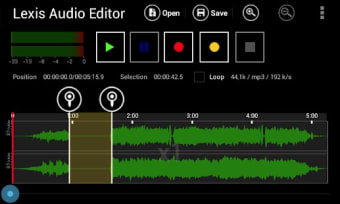
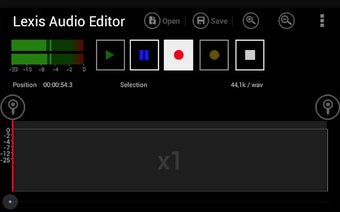
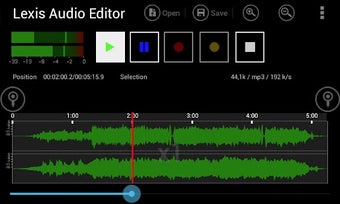
To get started with Lexis Audio Editor, you can either upload an existing audio file or create a new recording on the spot. You have cut, copy, and paste functions if you're working with multiple tracks and want to stitch them together. If you want to edit your track further, take advantage of advanced options like inserting silence, fade effects, and reducing noise to enhance the sound.
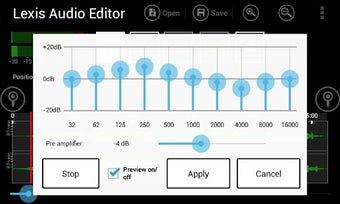
Speaking of sound, you can preview your work with the built-in player and customize it further with a 10-band EQ. Just note that the option to save in MP3 format is exclusive to the paid version. One area where the app could improve is its user interface, which, while intuitive, looks a bit too plain and simplistic by modern UI standards.
Capable and intuitive
Overall, Lexis Audio Editor is a simple yet capable audio tool that will let you record and edit your tracks with ease. It offers a solid set of editing options and features to get the best sound possible and achieve the result you want. The UI could use an overhaul, but aside from that, it's a solid option worth checking out.















.png)